Files
When the iS-Audioplayer software is started, you will find yourself on the Files tab, where you can upload the files. These files will later be available for creating a playlist.
Upload audio files
To upload files, use the respective button Upload Audio Files or Upload Jingle Files.


Jingles can be used as announcements within a playlist, for example.
Deleting audio files
To delete individual or multiple files, the checkbox must be ticked in the table so that the selected files can be removed from the database via Delete.

Table contents
If there are files in the local database, these are displayed in the table.

- The name of the audio file
- Volume of the audio file in %
- Size of the audio file in kilobytes
- Creation date
- Date modified
File options

-
Play - to play the audio file
-
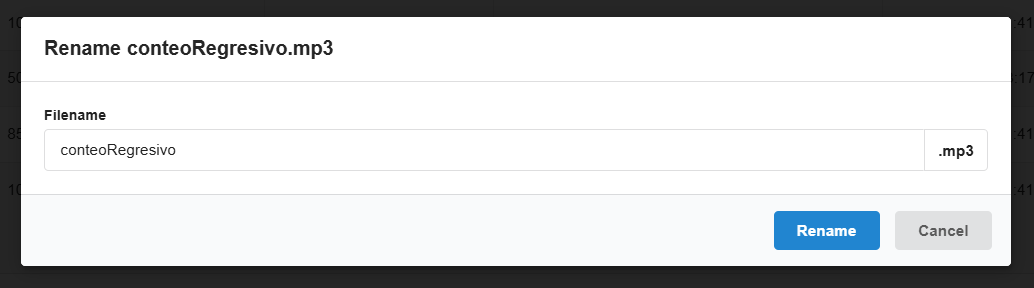
Edit - to rename the file name
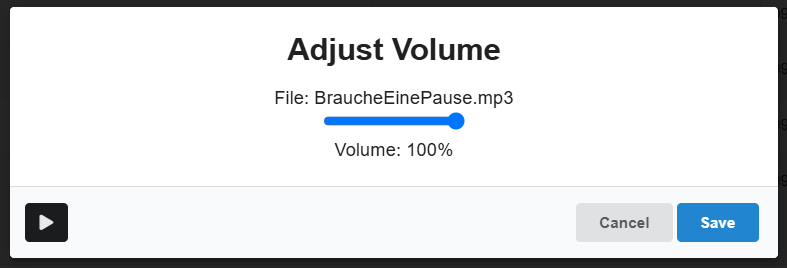
- Volume - to set the volume of the individual audio file. This will be taken into account later within the playlist for this one track. The volume can be tested using the play button. Press Save to confirm the selected volume for this one track.