Tutorial Step 8: Combining Slider and Display
Currently the slider sits somewhat lonely below the value display.
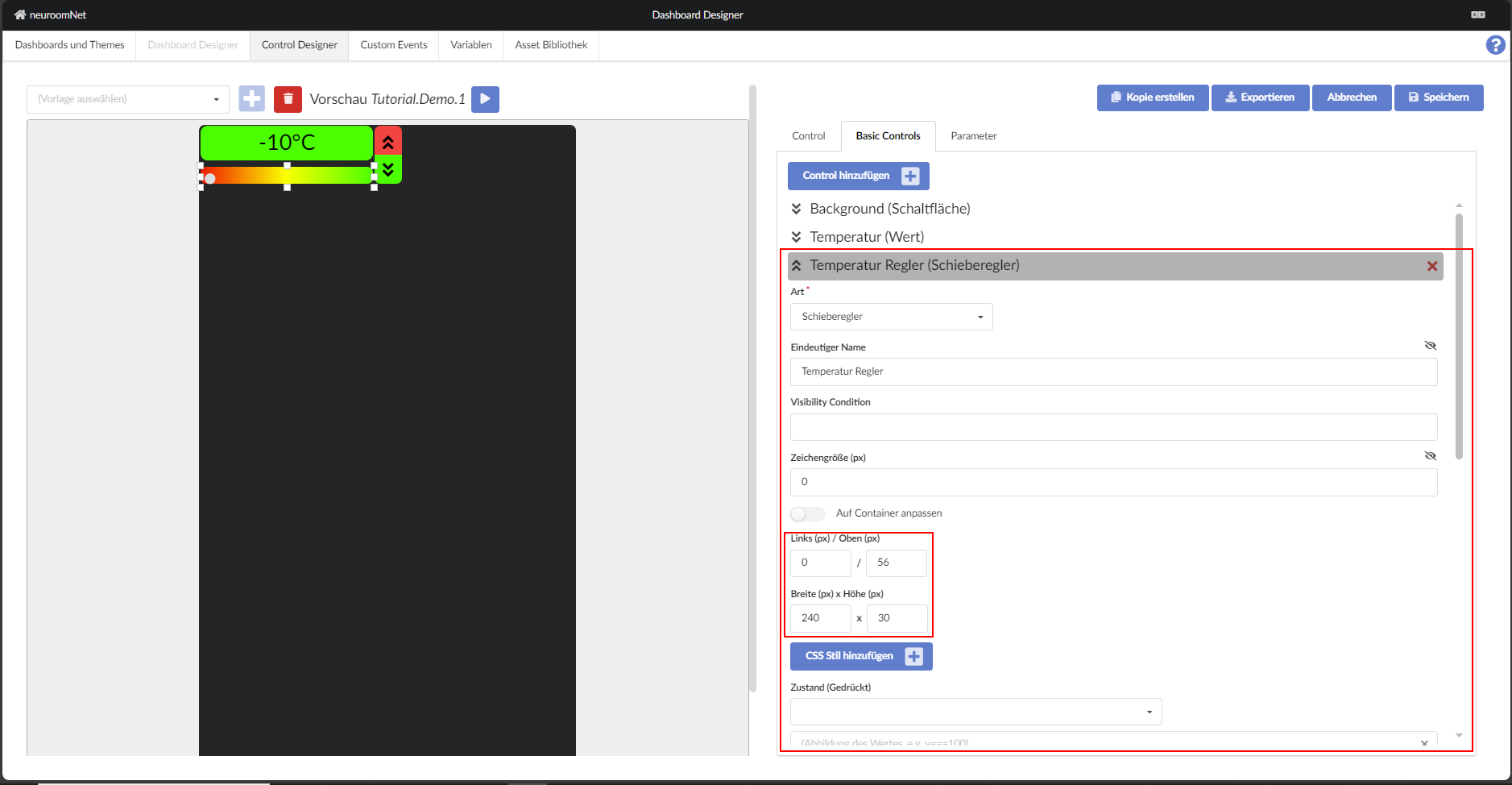
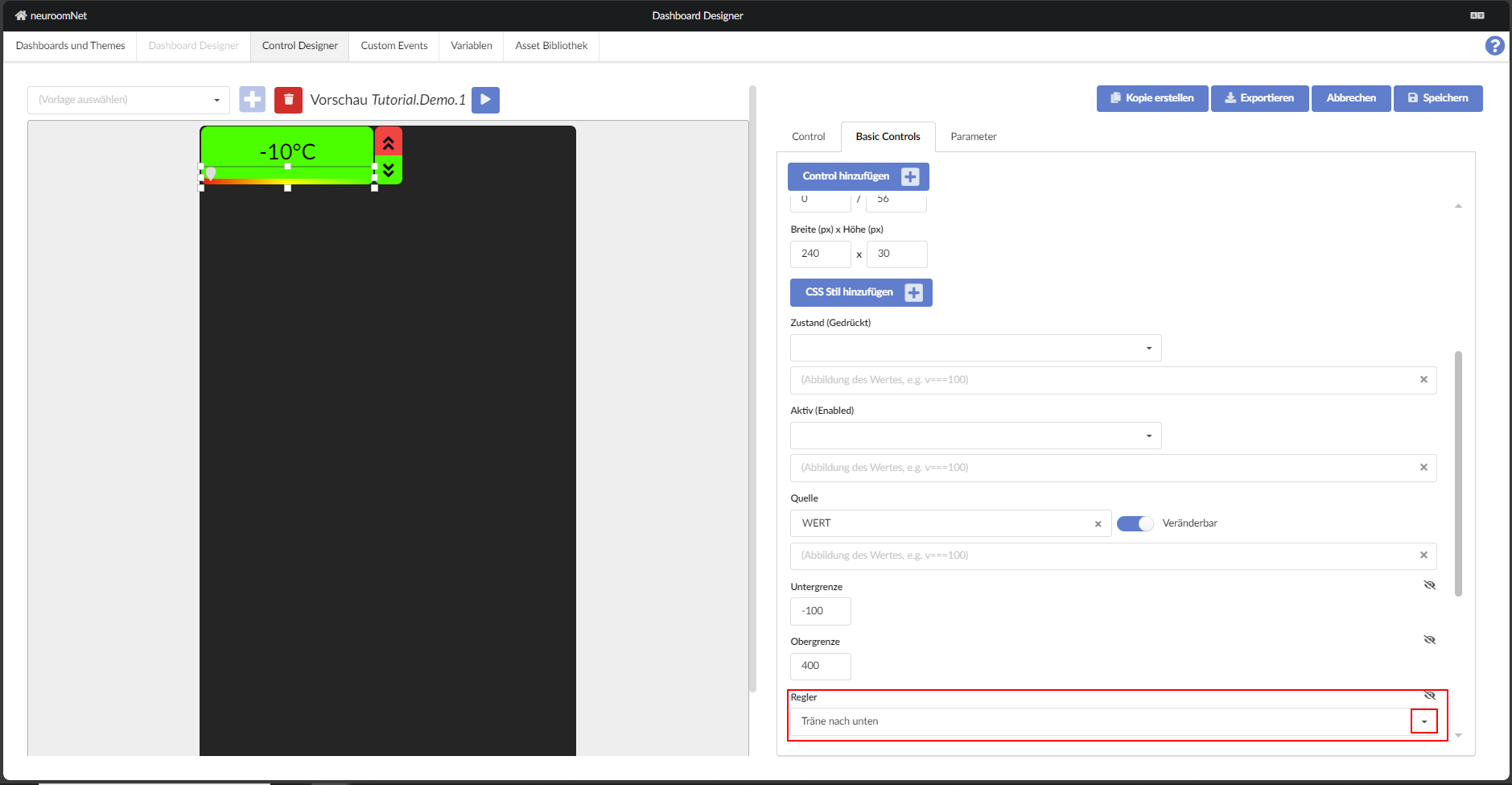
In a first step, the slider is enlarged (see figure below) and moved so that its lower edge aligns with the lower edge of the green button.
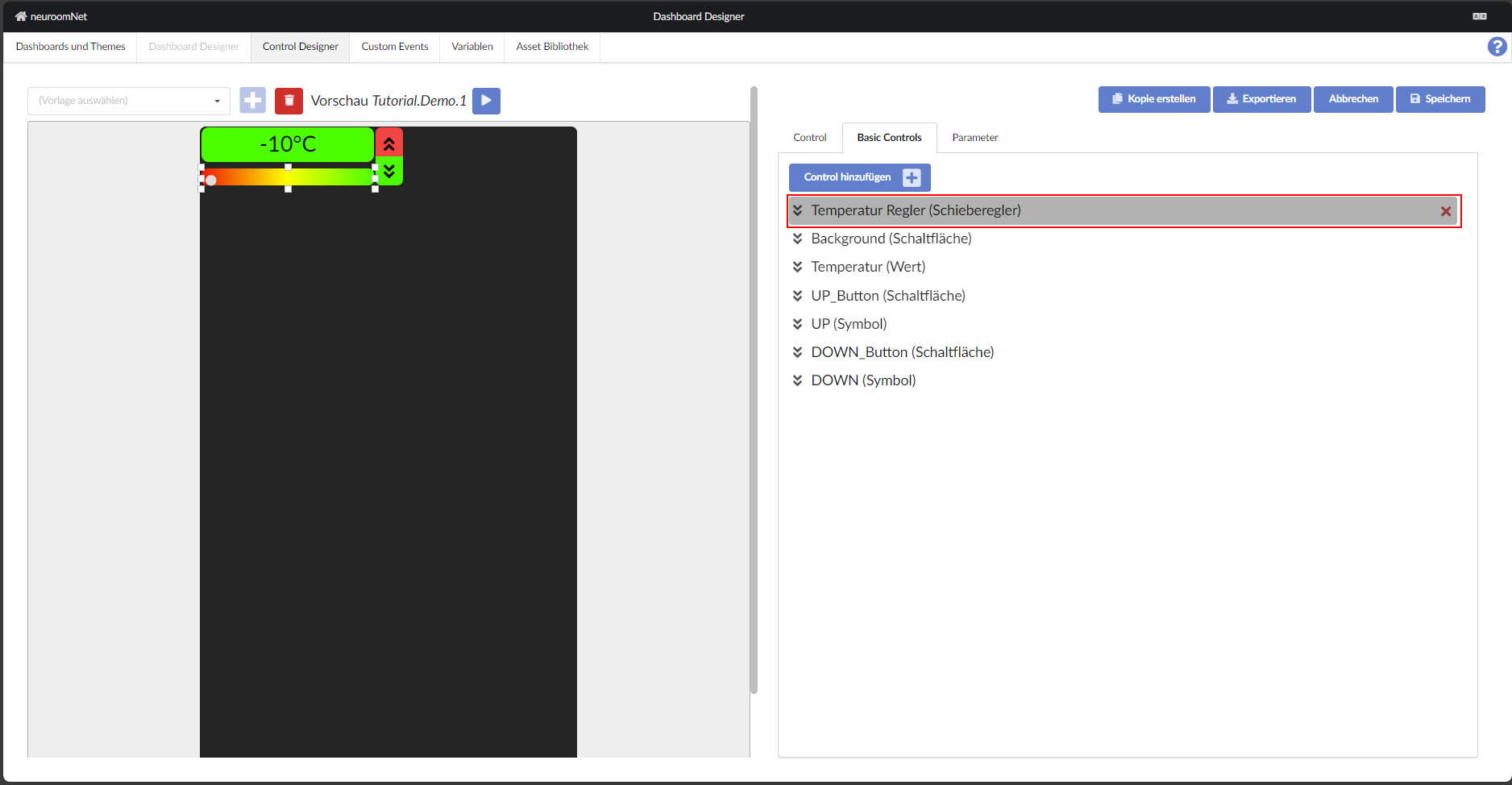
To correct this, simply change the order of the building blocks on the template's register so that the slider is above the button.
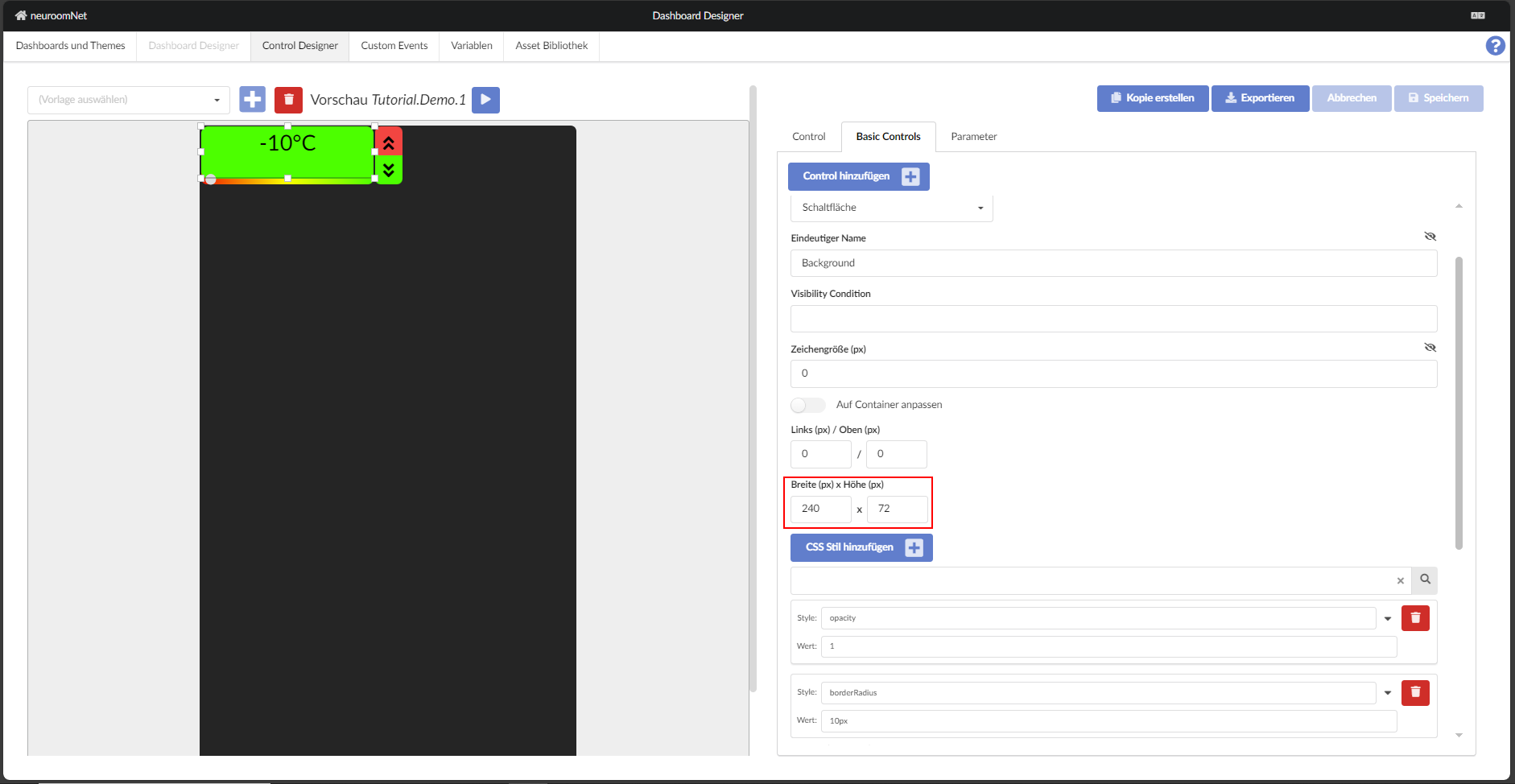
The button is now enlarged so that only a narrow strip of the slider is visible at the bottom edge.
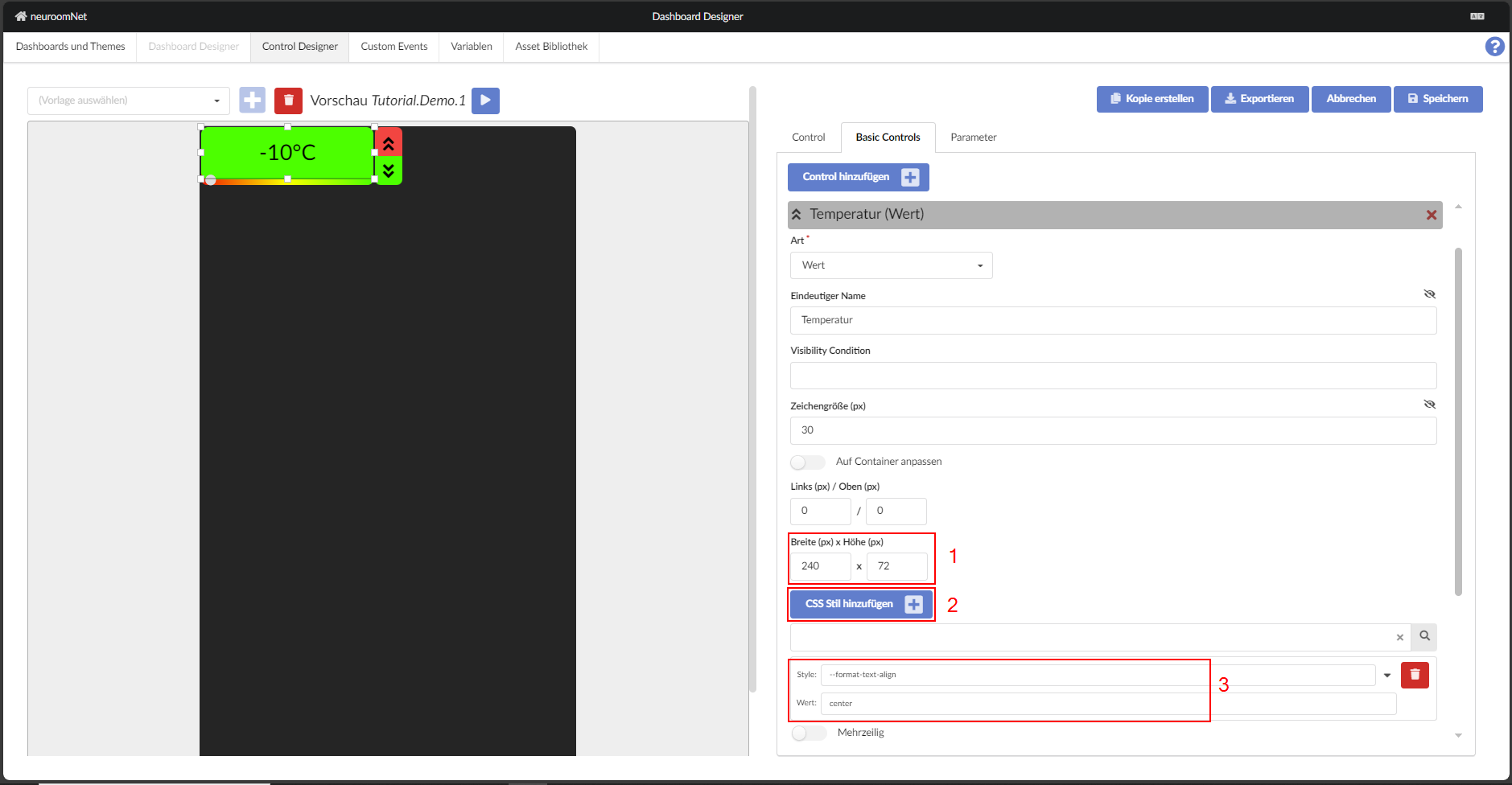
Now the dimensions of the "Value" building block can be taken from the dimensions of the "Button". A new CSS style is then added to centre the text within the frame.
Finally, swap the display of the slider itself.
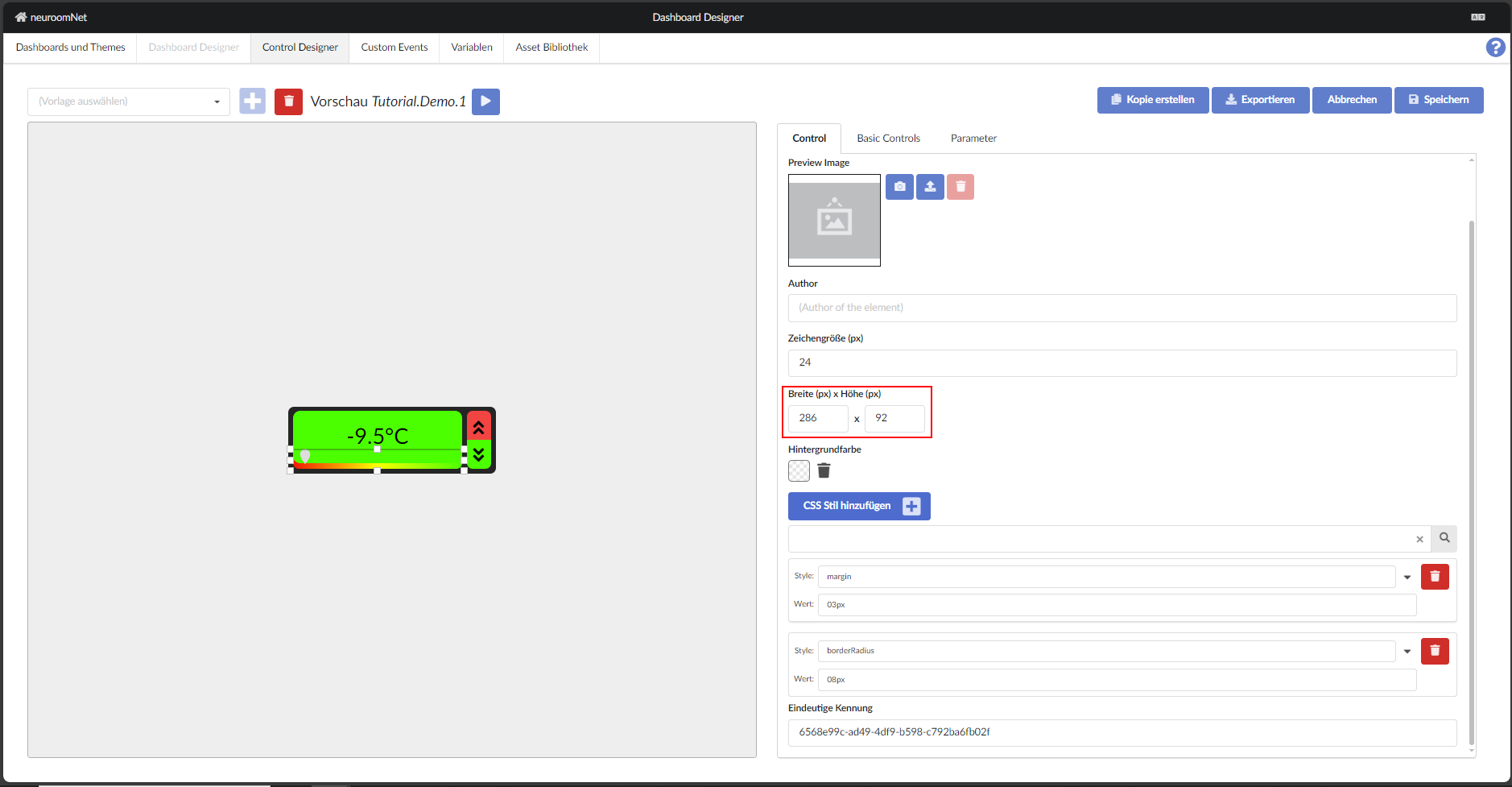
After adjusting the width () and height (), the template is finished and can now be inspected in the test.
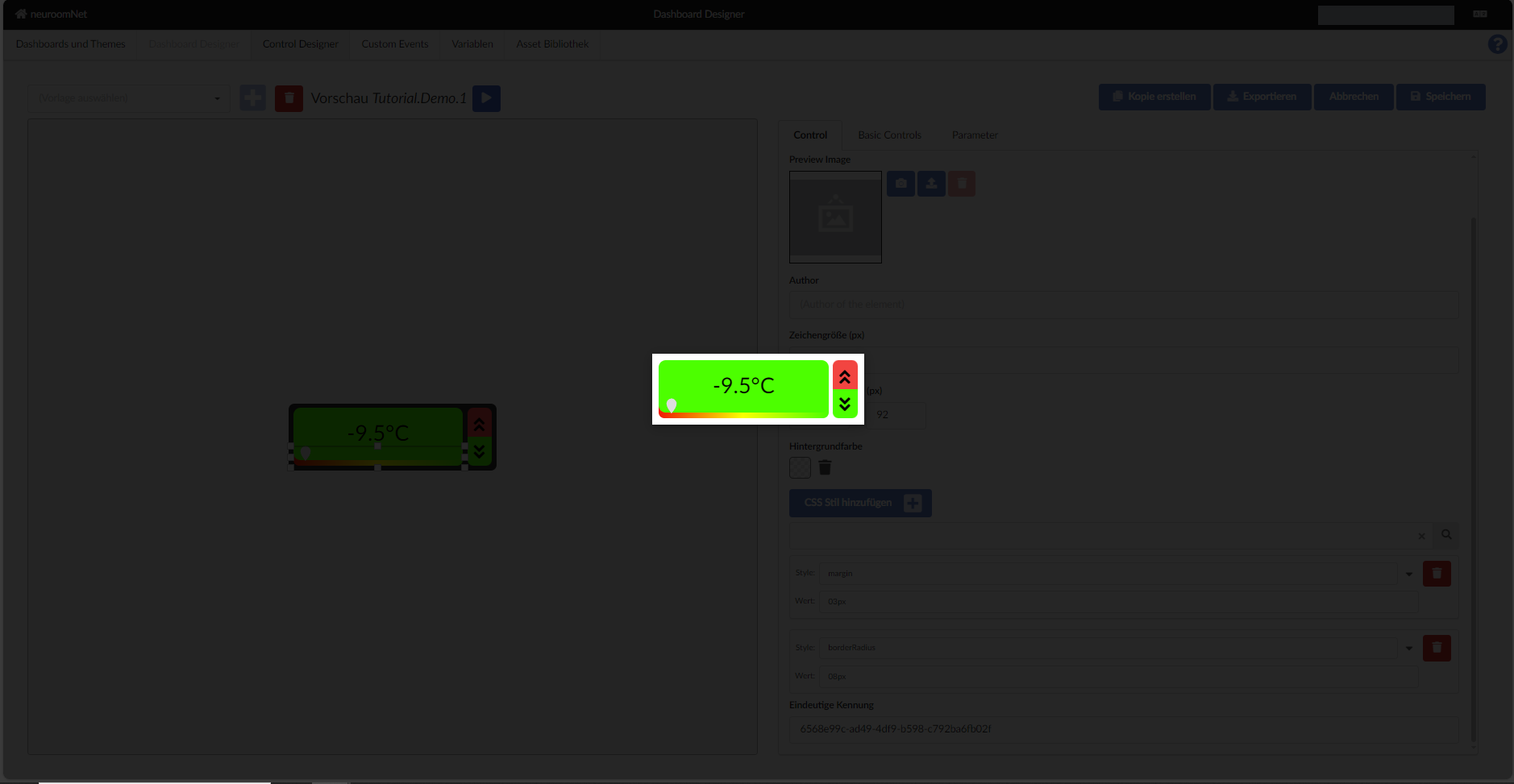
Also when inserted as a copy into a panel it looks as expected.
Next: Import