Preview
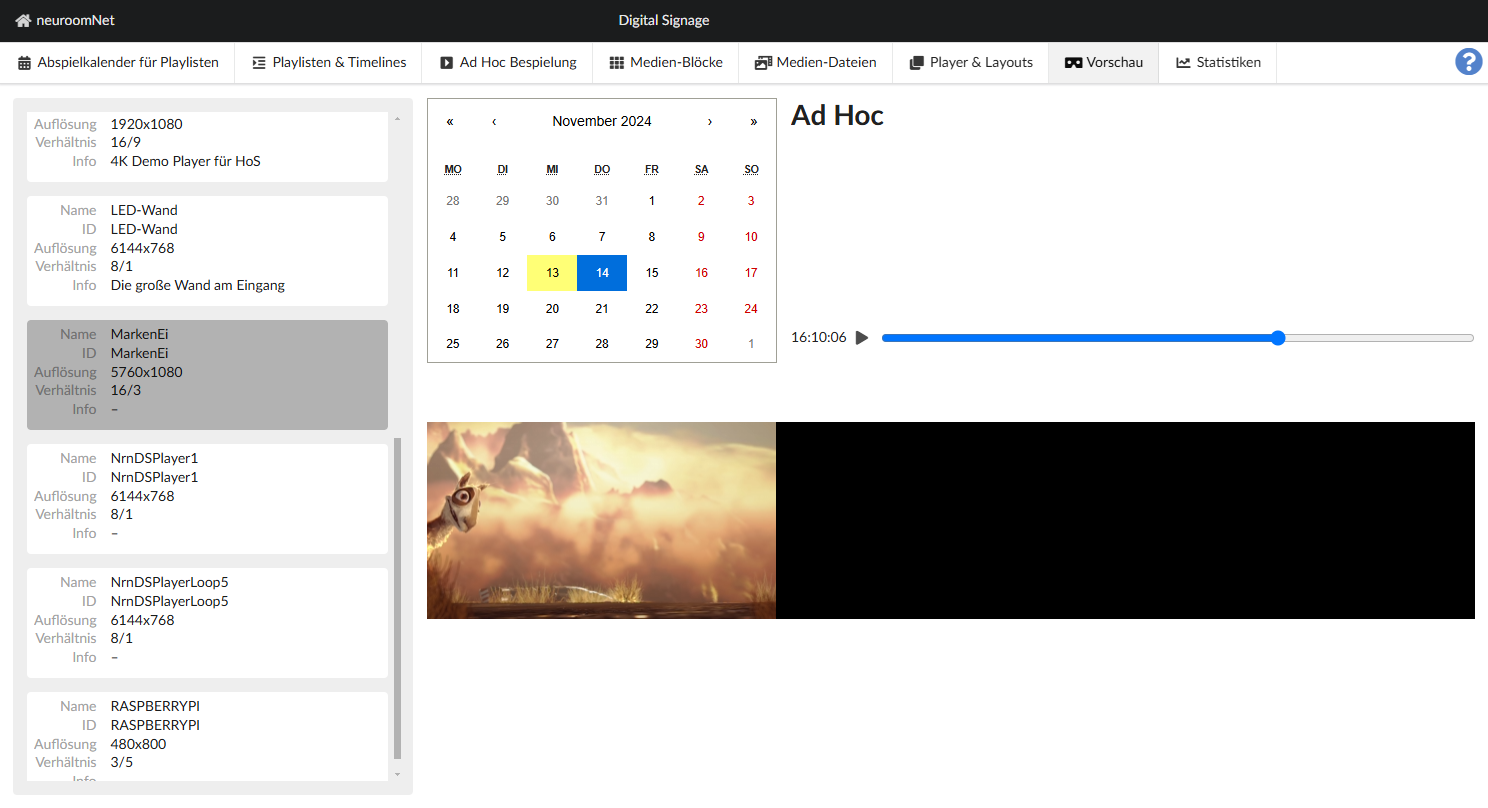
Select a player from the list on the left. A calendar will appear on which you can select the day for which you would like to view a preview of the digital signage show. After selecting, you can see from the heading on the right which content will be displayed on the player at that time:
- Basic: The basic display.
- Ad hoc: An ad hoc display is set.
- Nothing planned: A playback is set for the day.
A play bar appears below this, which you can use to jump to the time to check the entire day.
In Pause mode, you can jump to the time.
In play mode, you can play the preview video and watch the show in real time.