Setup
The "Setup" module can be described as the linchpin of a NeuroomNet installation because all components of the installation are defined and grouped here:
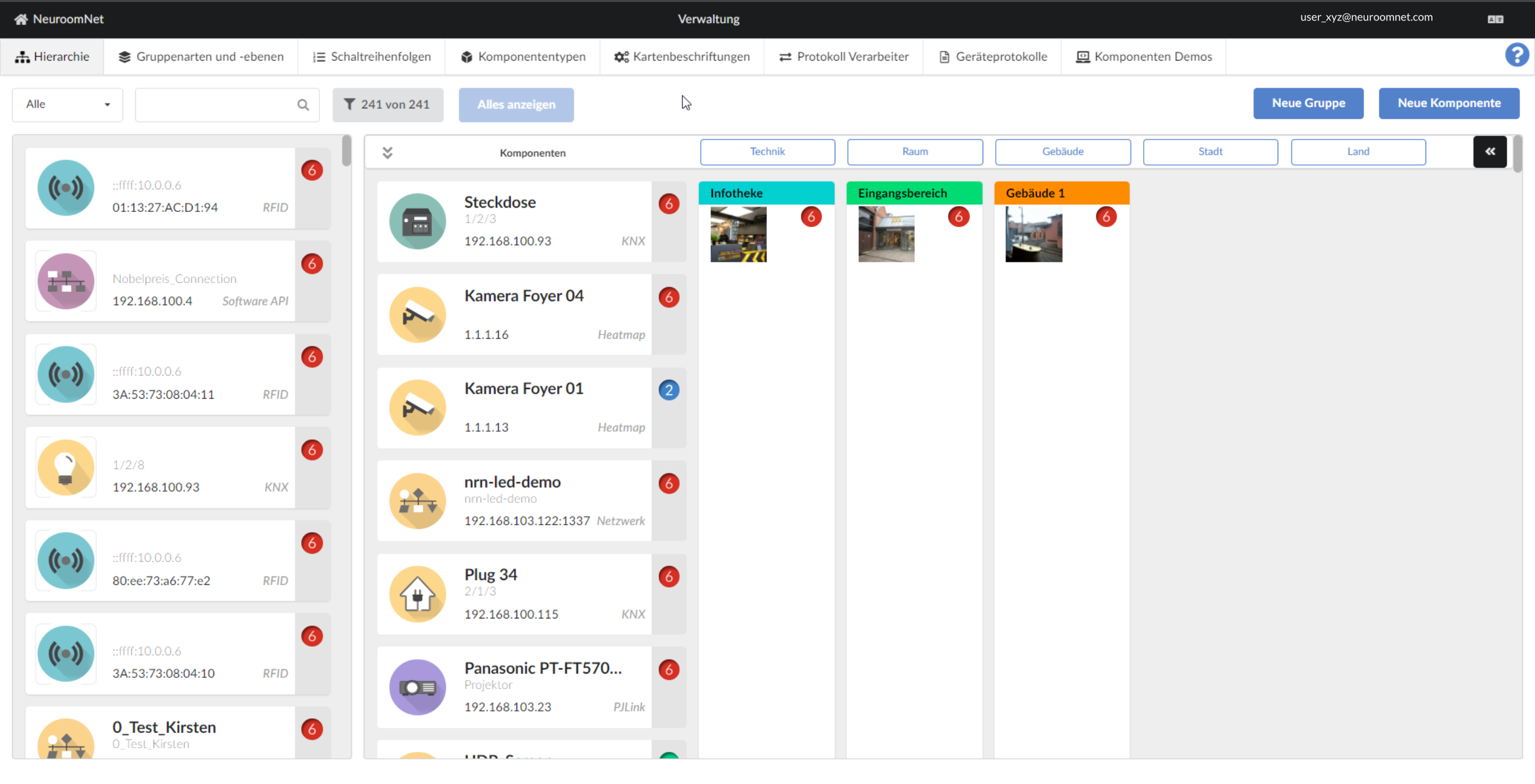
The following can be configured using the tabs in the upper part of the website:
- Hierarchy: In this view, all components are displayed with any existing groupings in a hierarchical view / tree structure with regard to the possibly multi-layered grouping. Here you can also create new components and groups as well as add components (or groups) to groups and assign them along the hierarchy.
- Group types and levels: New group types can be defined here and arranged in a hierarchy.
- Switching sequences: This tab allows you to create and manage so-called switching sequences, which can be used to switch many components on or off with one action.
- Component types: In addition to belonging to a group, components have a component type. These types can be managed and configured here.
- Card labels: At this point it is determined for the interfaces and group types which information can be seen on the component and group cards.
- Protocol processor: The translation rule sets or processors define which technical protocols NeuroomNet can process.
- Device protocols: So-called PRT files can be defined here, which explain to NeuroomNet how certain hardware devices can be addressed.
See the following subsections for more detailed descriptions and explanations.