Multiple Languages
Basic Activation of Multiple Languages
To basically activate multiple languages for a namespace, an API languages must be created in the namespace that defines the languages for the namespace. The following JSON structure is recommended for this:
{
    "application": "Tutorial",
    "label": "languages",
    "project": "NeuroomNet-CMS Tutorial",

    "fields": {
        "code": {
            "cms": {
                "column": true,
                "unique": true
            },
            "empty": false,
            "type": "string"
        },
        "display": {
            "cms": {
                "column": true
            },
            "type": "string",
            "optional": true
        }
    },
    "hideId": true
}
curl -X POST -H "Content-Type: application/json" --user "<myuser>":"<mypassword>" -d @@CreateApi-languages.json https://<url>/schema/tutorial/languages
Variants of this JSON structure can also be used, provided the following is observed:
- There must always be a field code in this API that is of type string. This field is mandatory, unique, and must not contain empty values (empty)
- It is strongly recommended to create a further string display which is used for language selection1 in the CMS frontend — if this field is not present or no value is specified, code is used for selection
Otherwise the following should be observed when using / filling the API with languages:
- The languages that should be available for the namespace are inserted into the API
- The field code should always use standard language codes such as e.g. en, de, or fr — only en has a special meaning in the CMS and is used as a fallback language; however, consistency certainly helps understanding
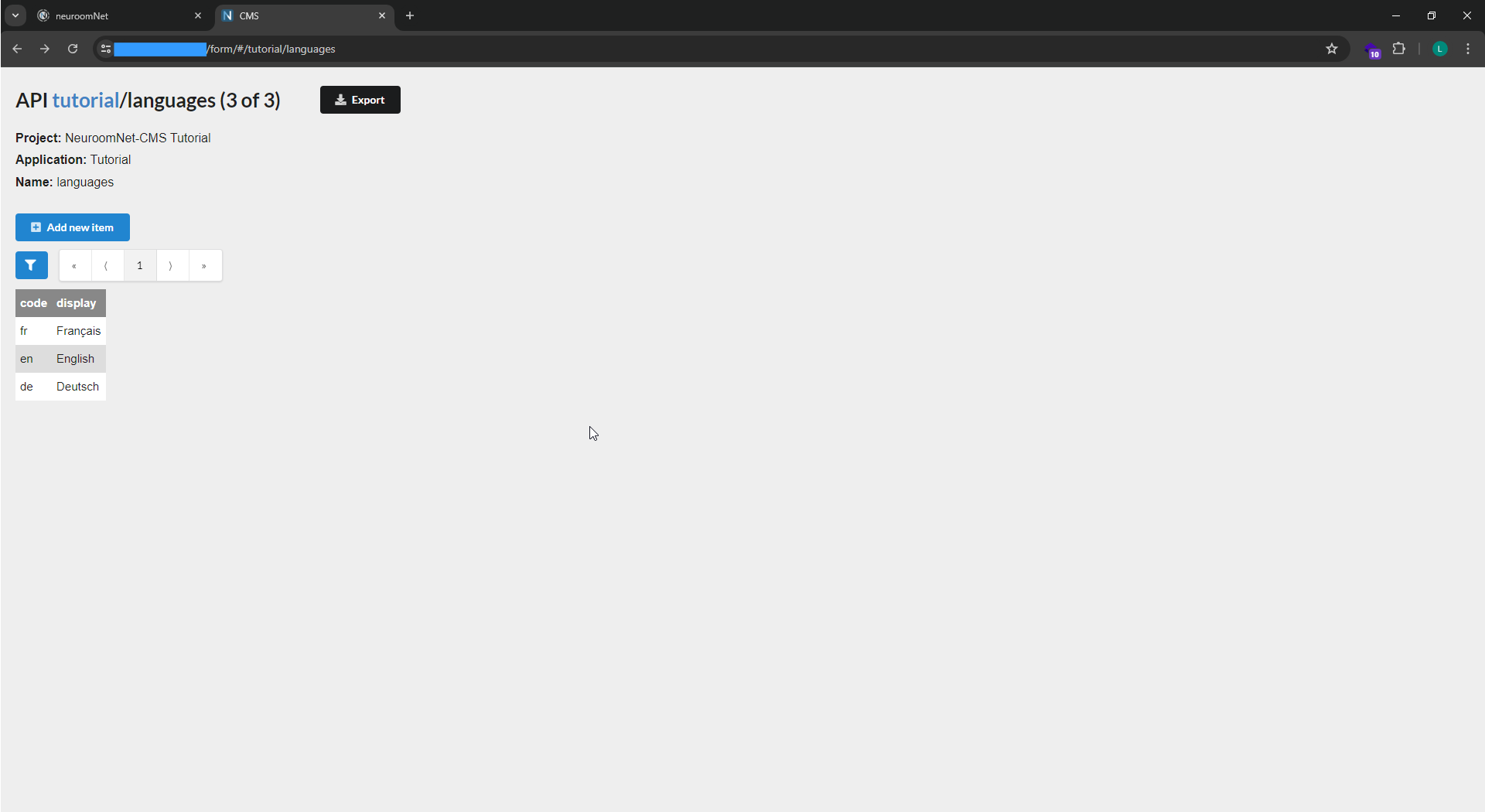
After creating the API and filling it with the languages German, English, and French via the CMS frontend, it looks as follows in the CMS frontend:
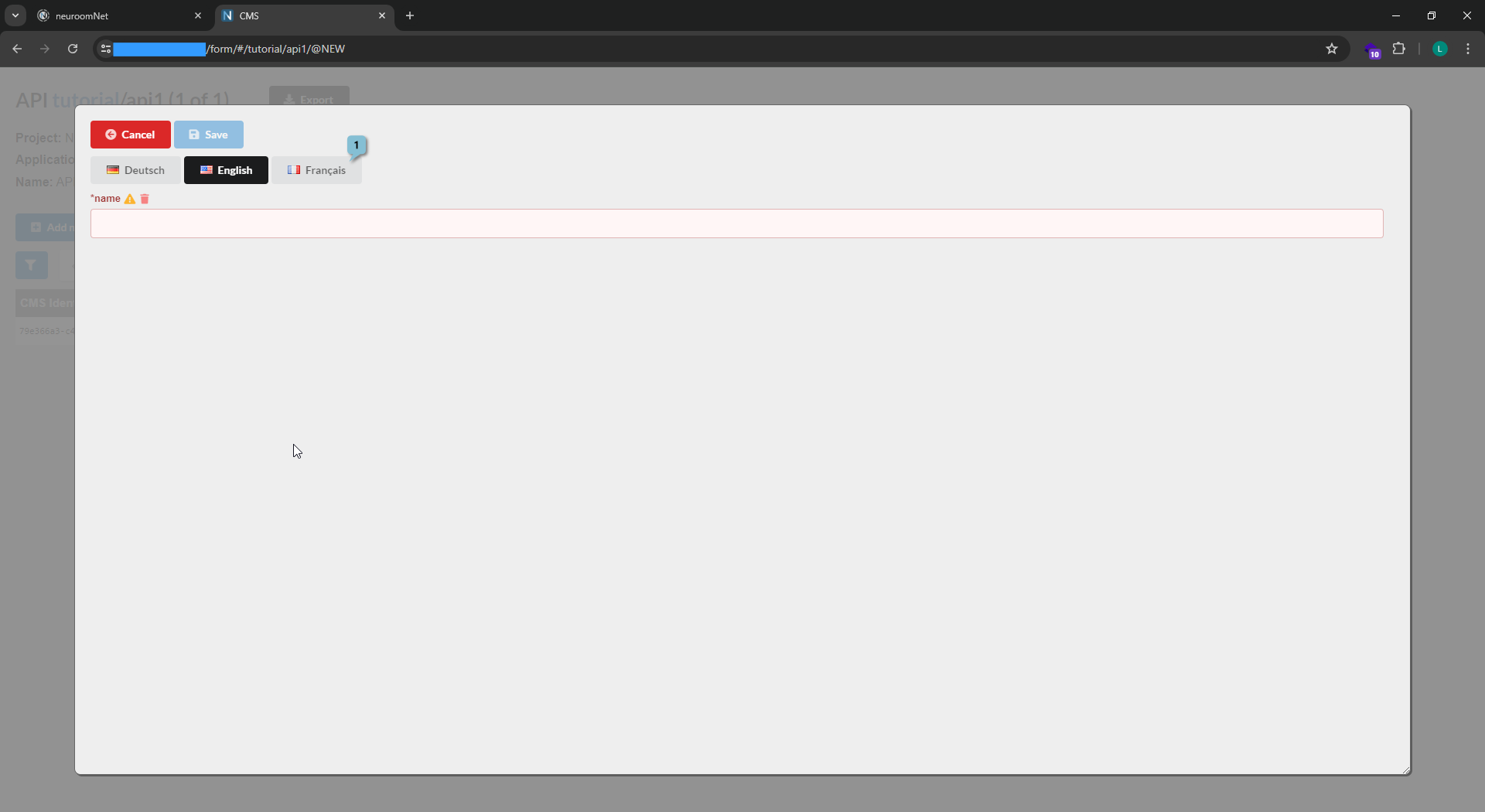
After reloading the CMS frontend website (here using api1 as an example) the language selection appears:
Using Multiple Languages in Data Structures
Simply adding and filling the API languages to a namespace does not yet ensure that content (especially, but not exclusively, texts) can actually be translated or stored in multiple languages in the CMS. To enable this, the attribute localizable must be set for corresponding fields in the API data structures that should be translatable.
If the attribute localizable is set for a value in an object structure, then in the protocol instead of this one value, a sub-object structure is used where the name of the field is an allowed language (e.g. en or fr) and the value conforms to the format of the data type:
{
    "country-name": "Deutschland"
}
becomes in the protocol:
{
    "country-name": {
        "de": "Deutschland",
        "en": "Germany",
        "fr": "Allemagne"
    }
}s