Release Notes 2026.2
Below is a list of the most important features, changes and bugfixes of this release.
Features
Script Blocks module: Timecodes
Scripts can now be assigned a timecode — a running, freely seekable clock (hours : minutes : seconds . tenths of seconds) that fires events as it crosses configured positions. This makes it possible to implement shows and sequences where several actions have to be triggered at precisely defined points in time relative to the start.
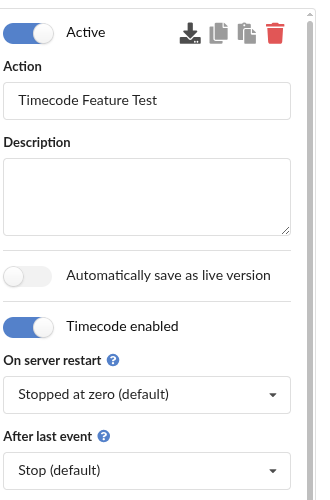
Enabling and configuring
The timecode is enabled per script via the Timecode enabled toggle in the sidebar of the script editor. Configurable are the behavior after a server restart (including silently resuming or catching up missed triggers) and the behavior after the last configured event (Stop, Pause or Loop).
Manual control
A control panel in the sidebar shows the timecode's state and live ticking position and allows manual control via Start, Pause, Resume, Stop and Goto (jump to any position).

New event and new actions
- New event Timecode reached: triggers a block as soon as the script's running timecode crosses the configured position.

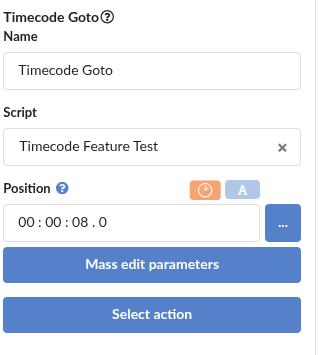
- Five new actions Timecode Start / Stop / Pause / Resume / Goto: control the timecode of the own or another script from within script blocks.
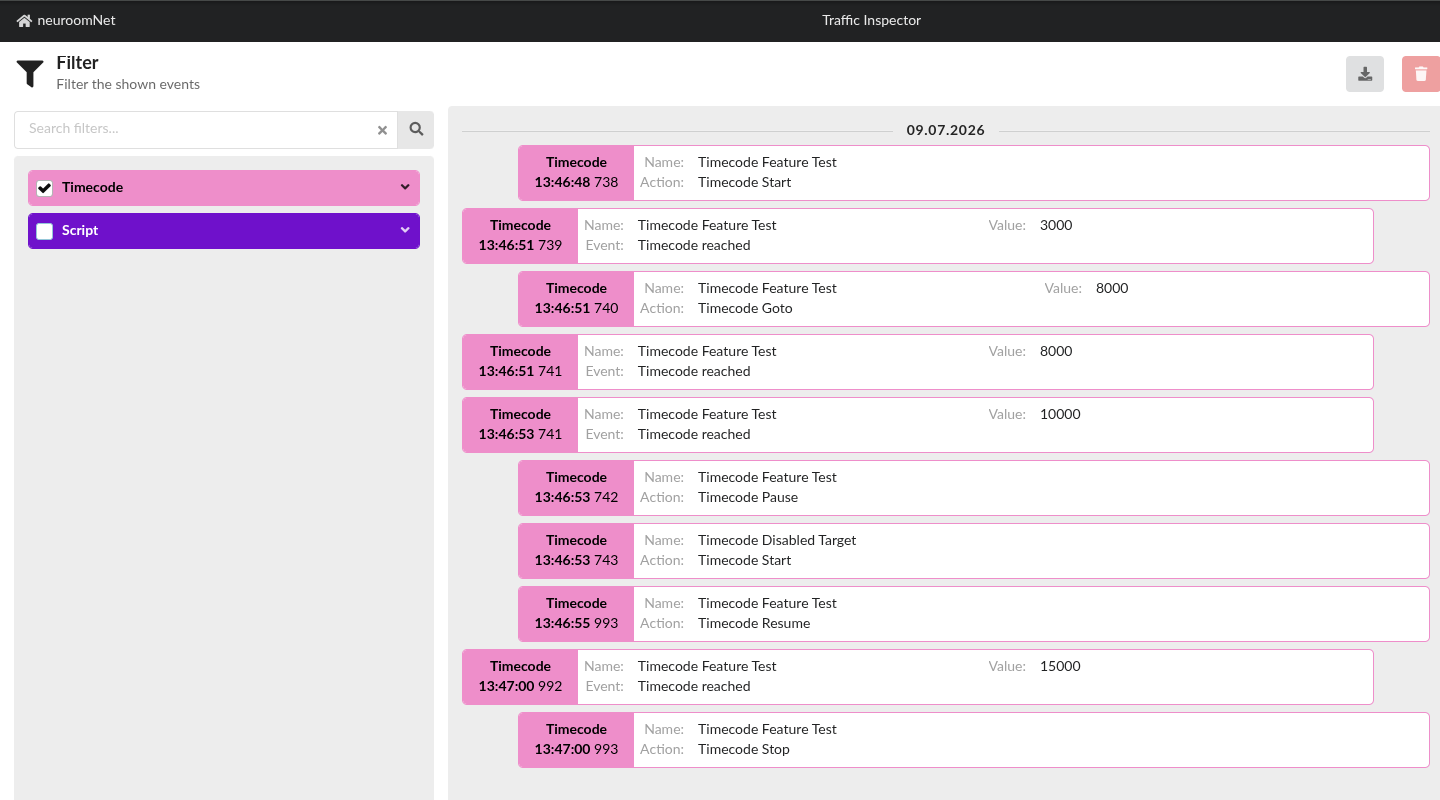
Executed timecode actions and fired "Timecode reached" events are additionally logged in the Traffic Inspector module, where they can be traced.
A detailed description can be found in the documentation under Script Blocks → Timecodes.